
How Well Do You Know
Your Game?
Eyeball helps you to understand your child performance, what’s good, what’s next, and what to do about it.




.svg.webp)




Understand Exactly How You Played
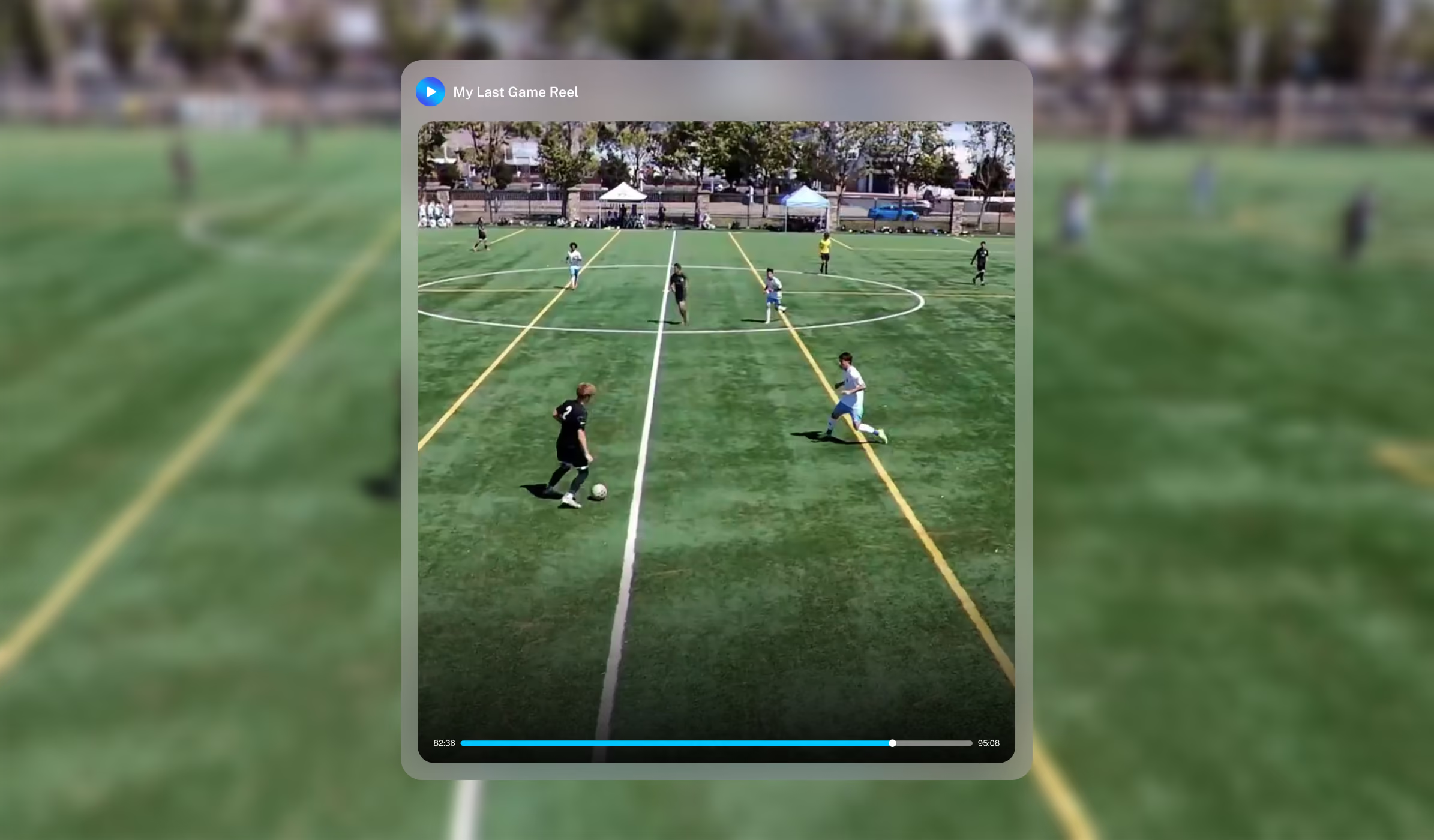
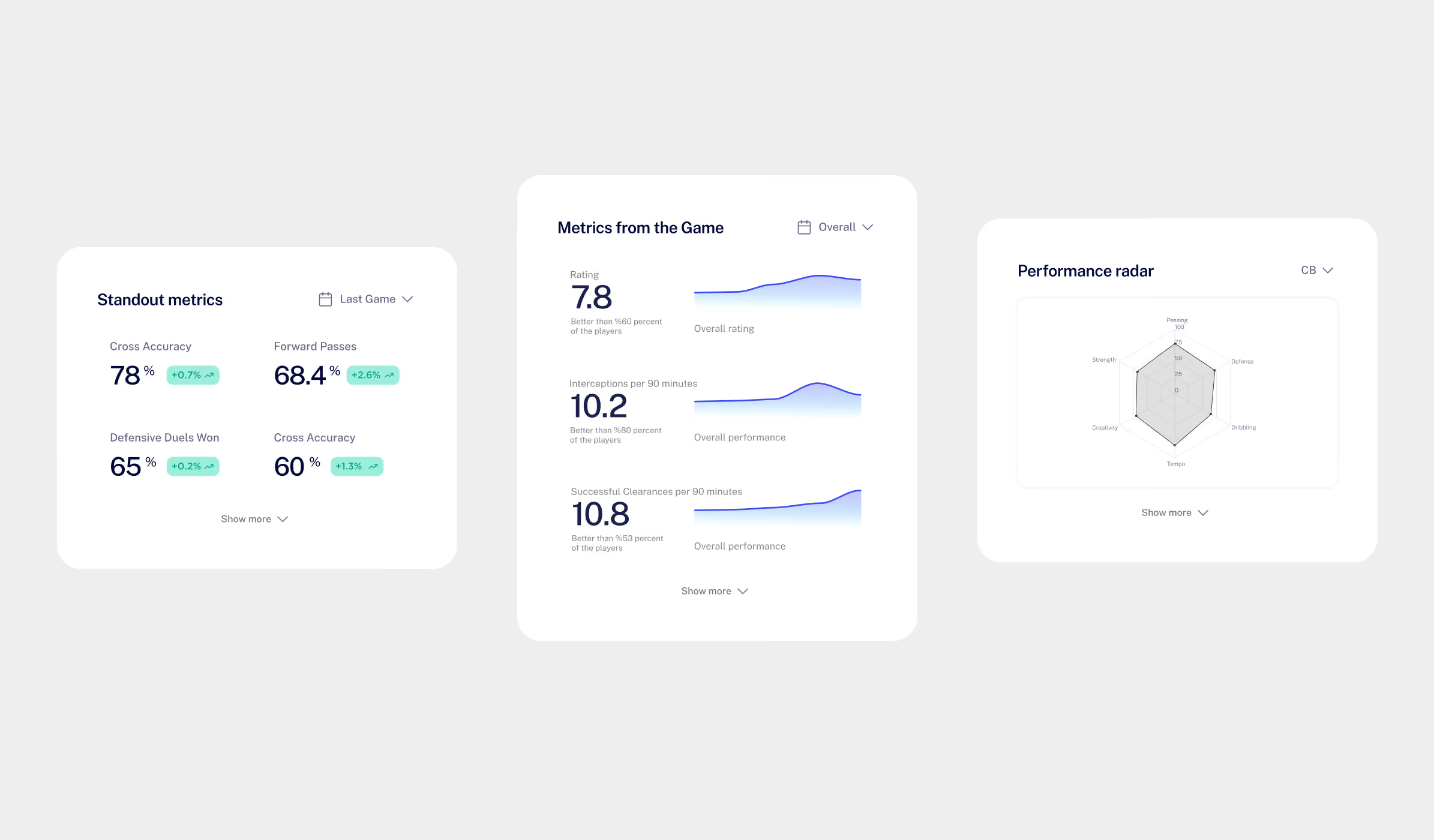
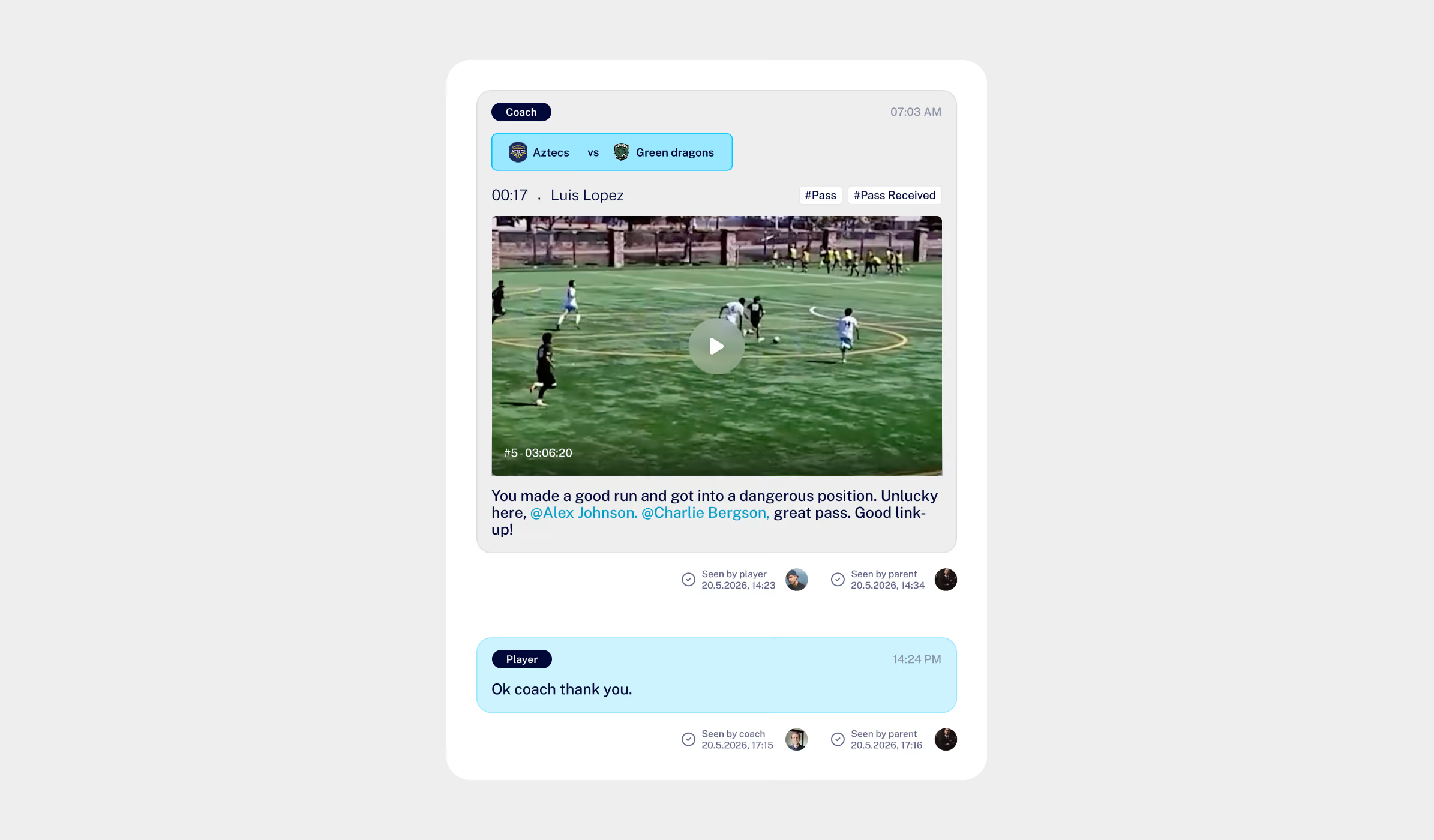
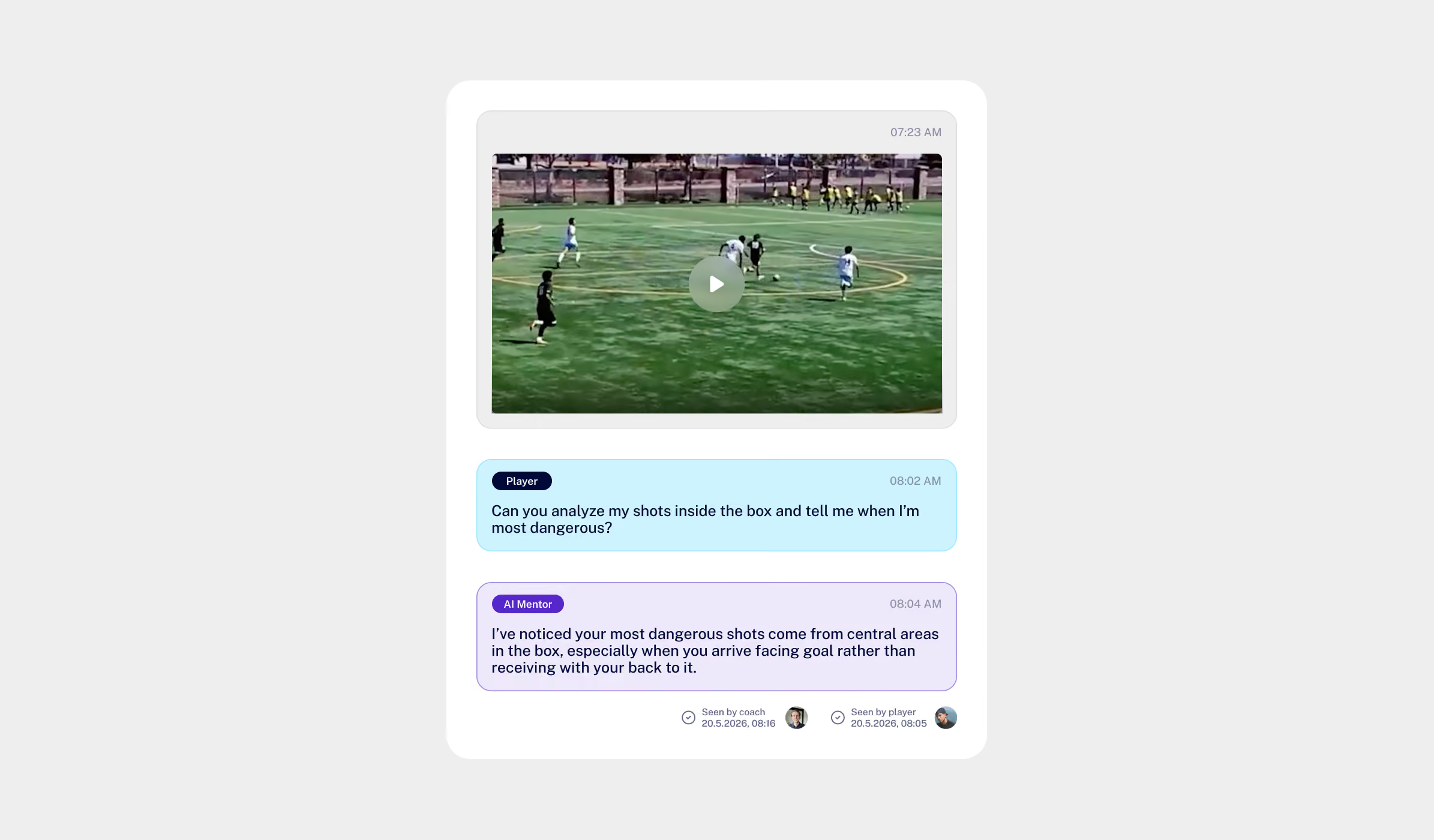
Video analysis + replay.
Every 90 minutes broken down and ready to rewatch moment by moment.
Show Your Game
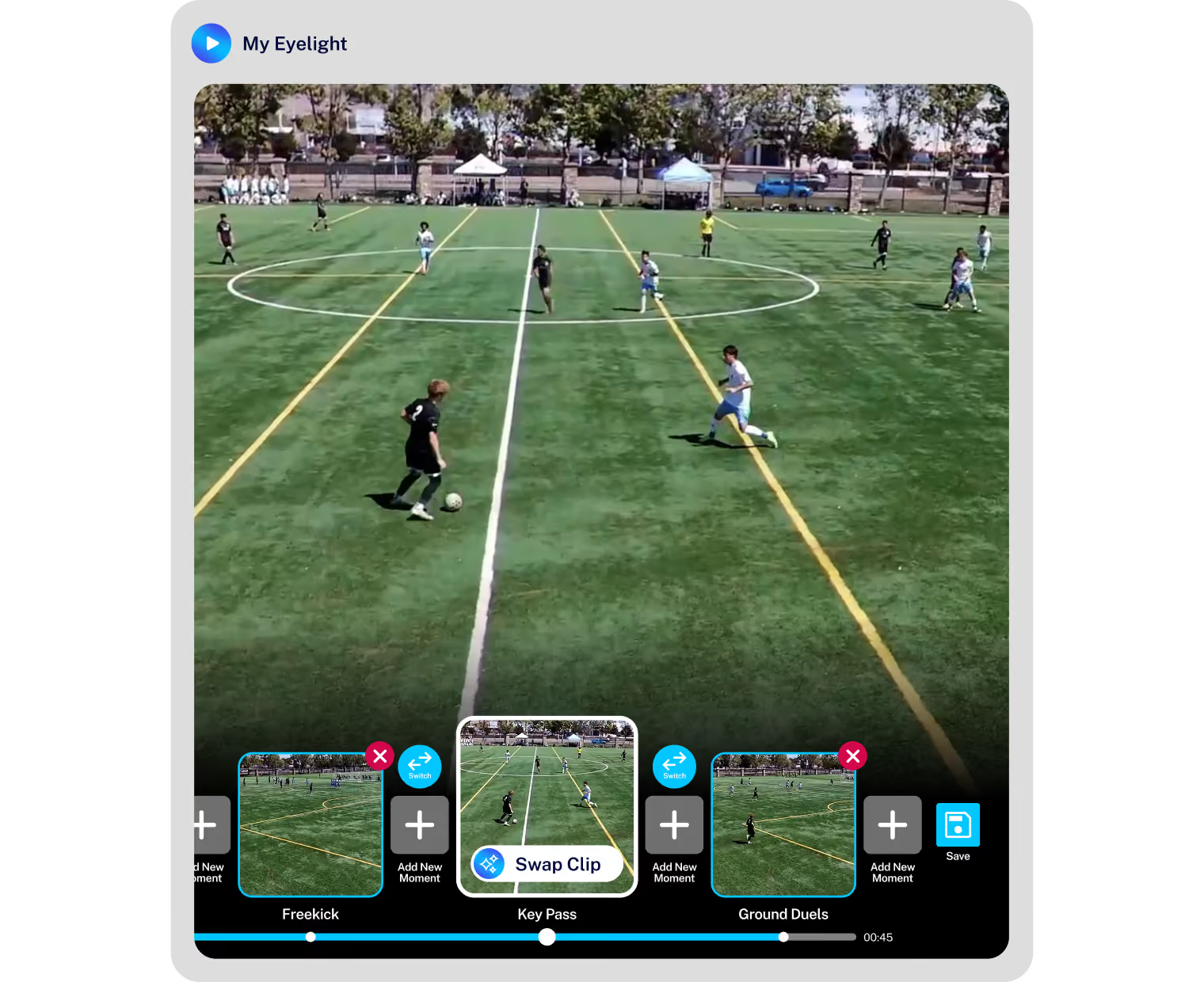
Video clips. Goals, take-ons, tackles — each one cut out and ready to watch, no scrubbing.
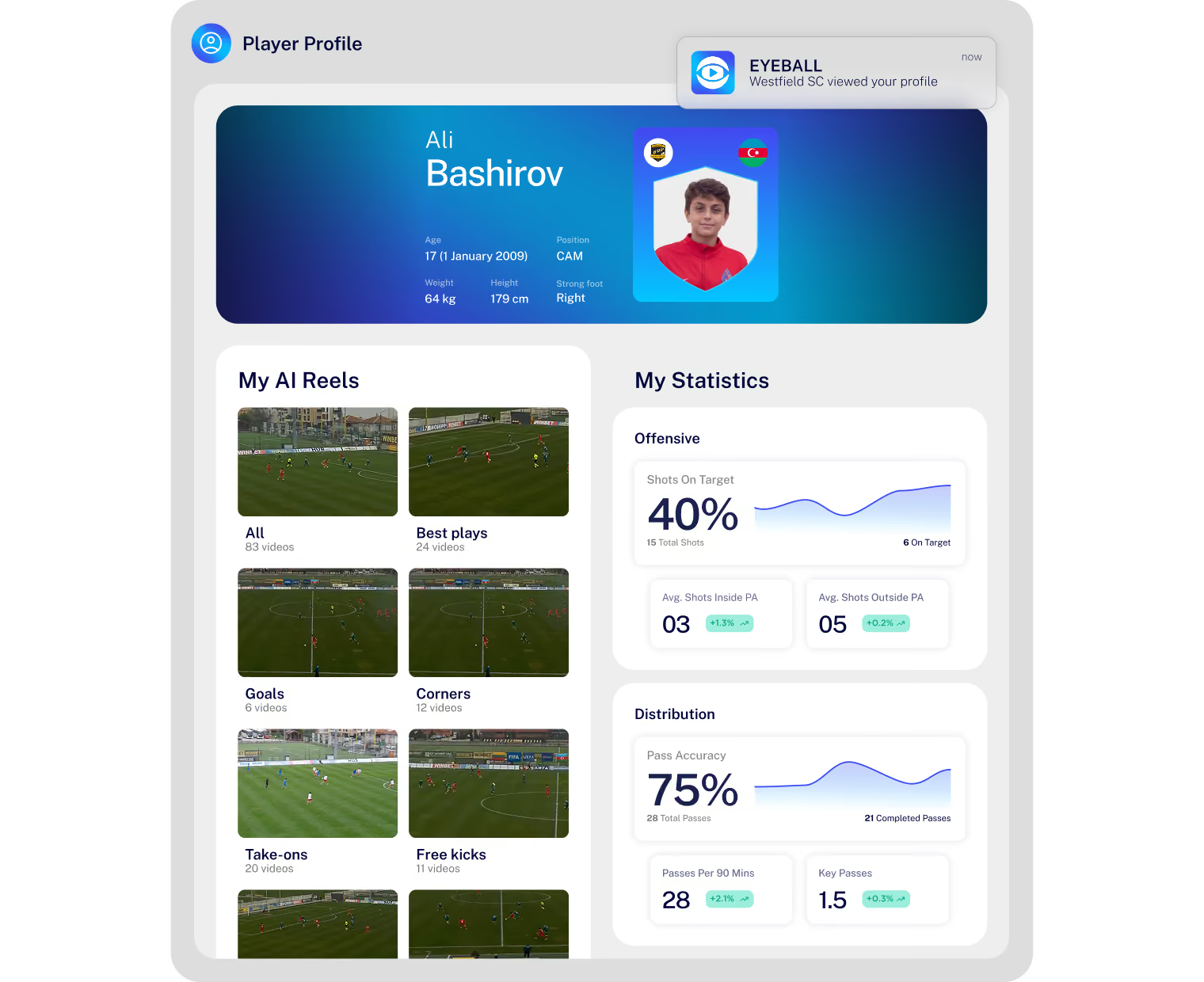
Your data, clips and development in one place, with a customisable player card that tells your story.
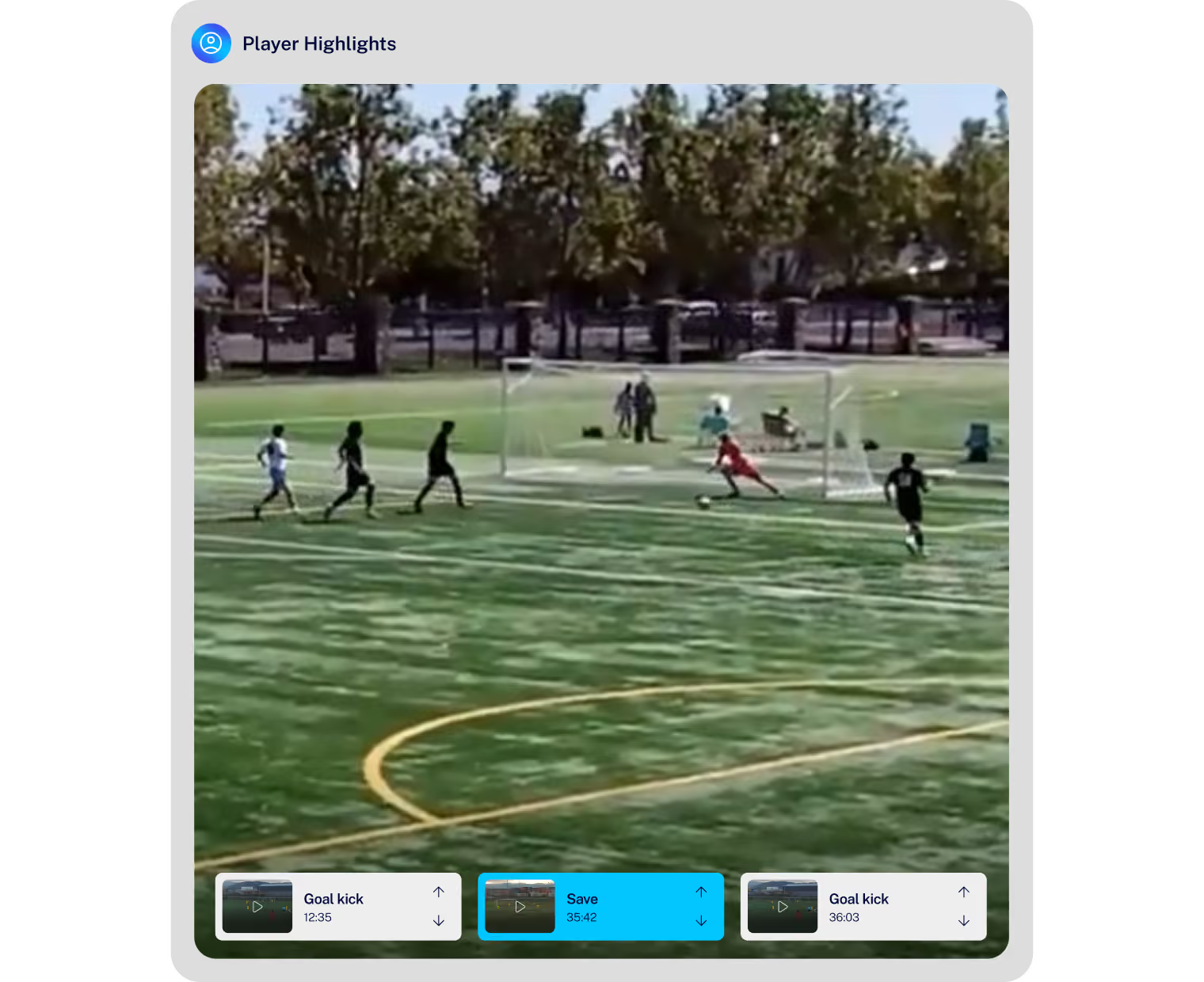
Your best moments, cut for your position, automatically. Ready to be shared.
Learn and Train
Like Elite Players Throughout The Week

Expert Advice
Skill challenges you can do with them in the garden — film it, score it, beat it. They compete with teammates and players around the world.
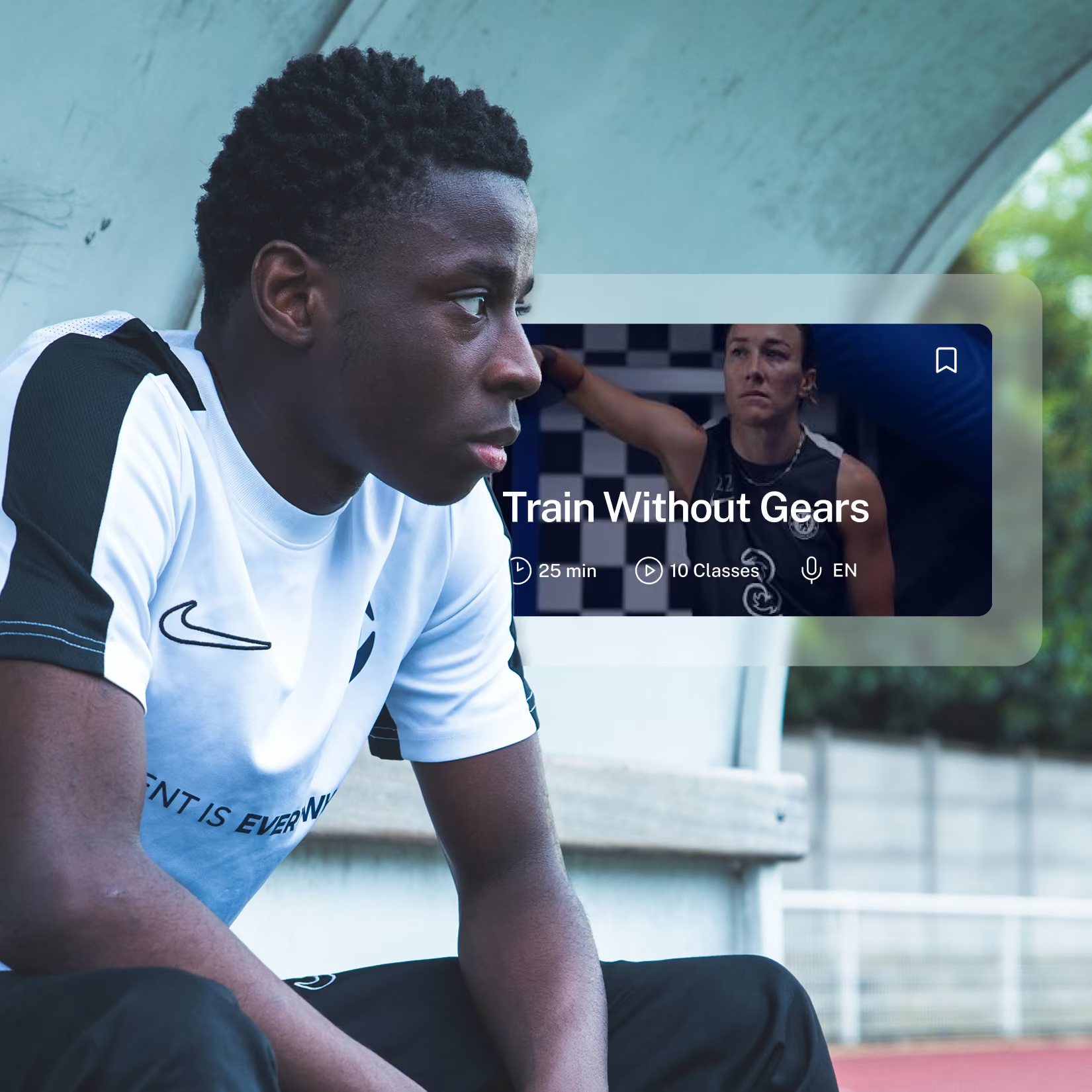

Training Plans
Pro guidance on the most important things around the game — how to eat, sleep, train, think like a Premier League player.
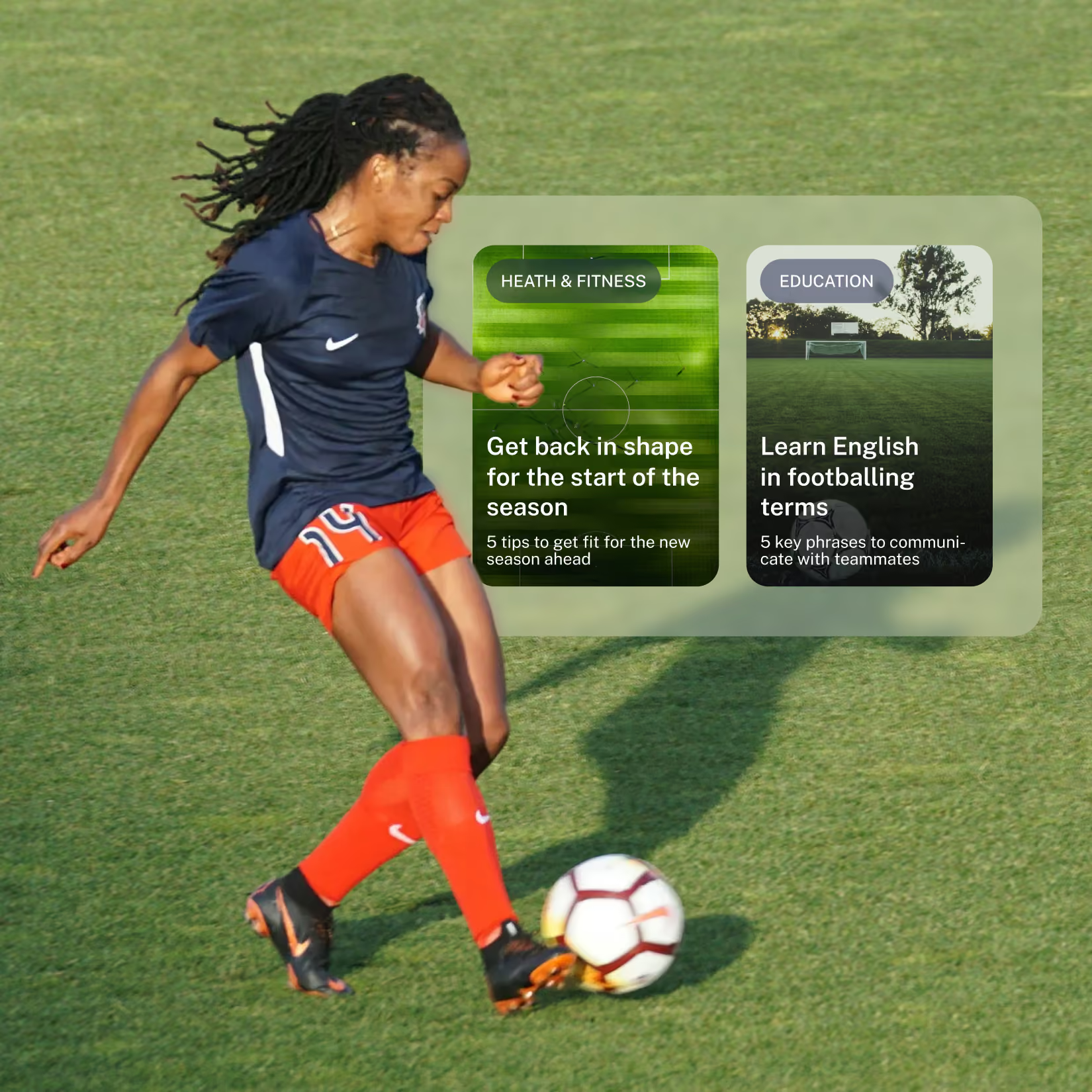
Get seen
Put Your Game in Front of the Right People

Share Your Highlights
Send your reels and Eyelights to your community in just a tap.
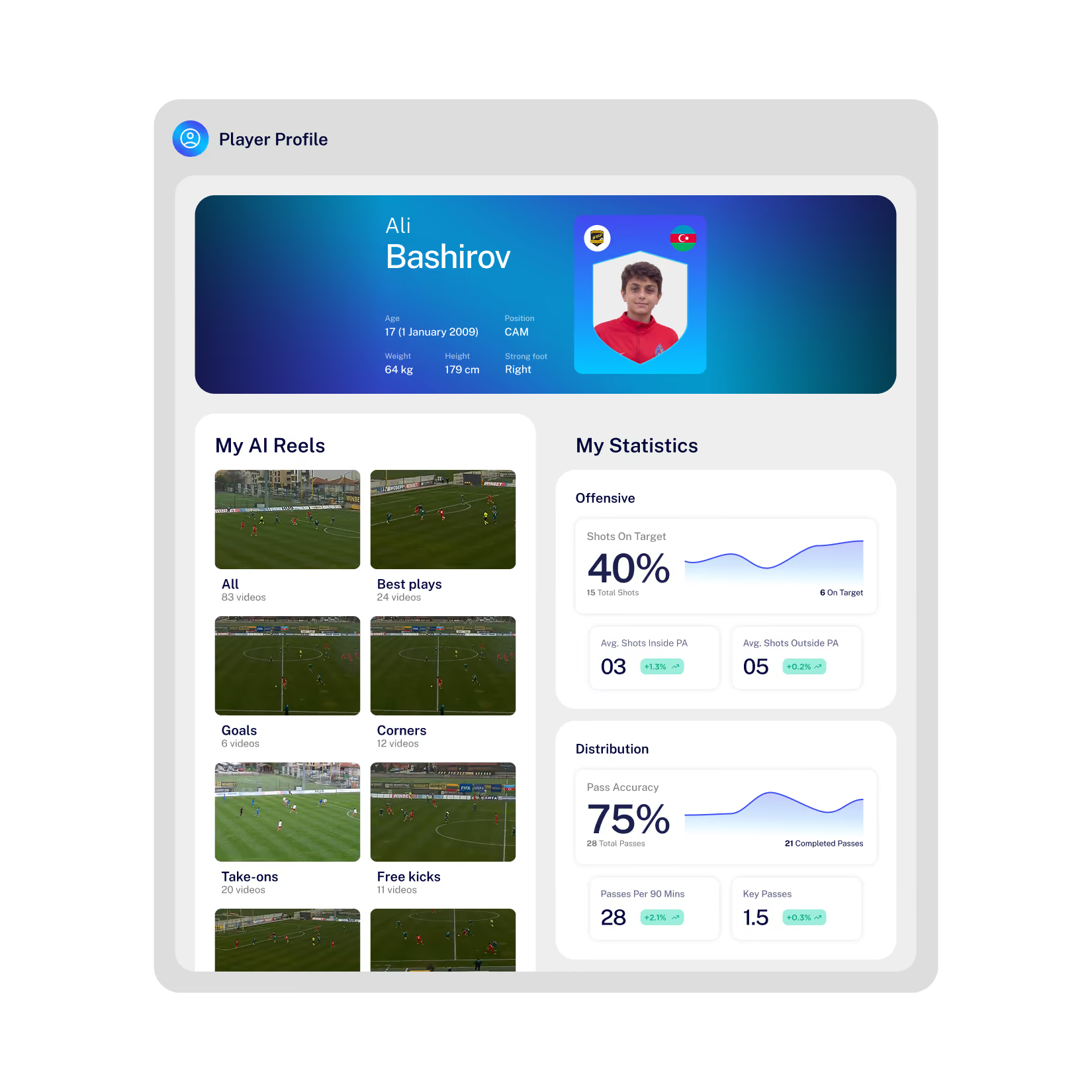

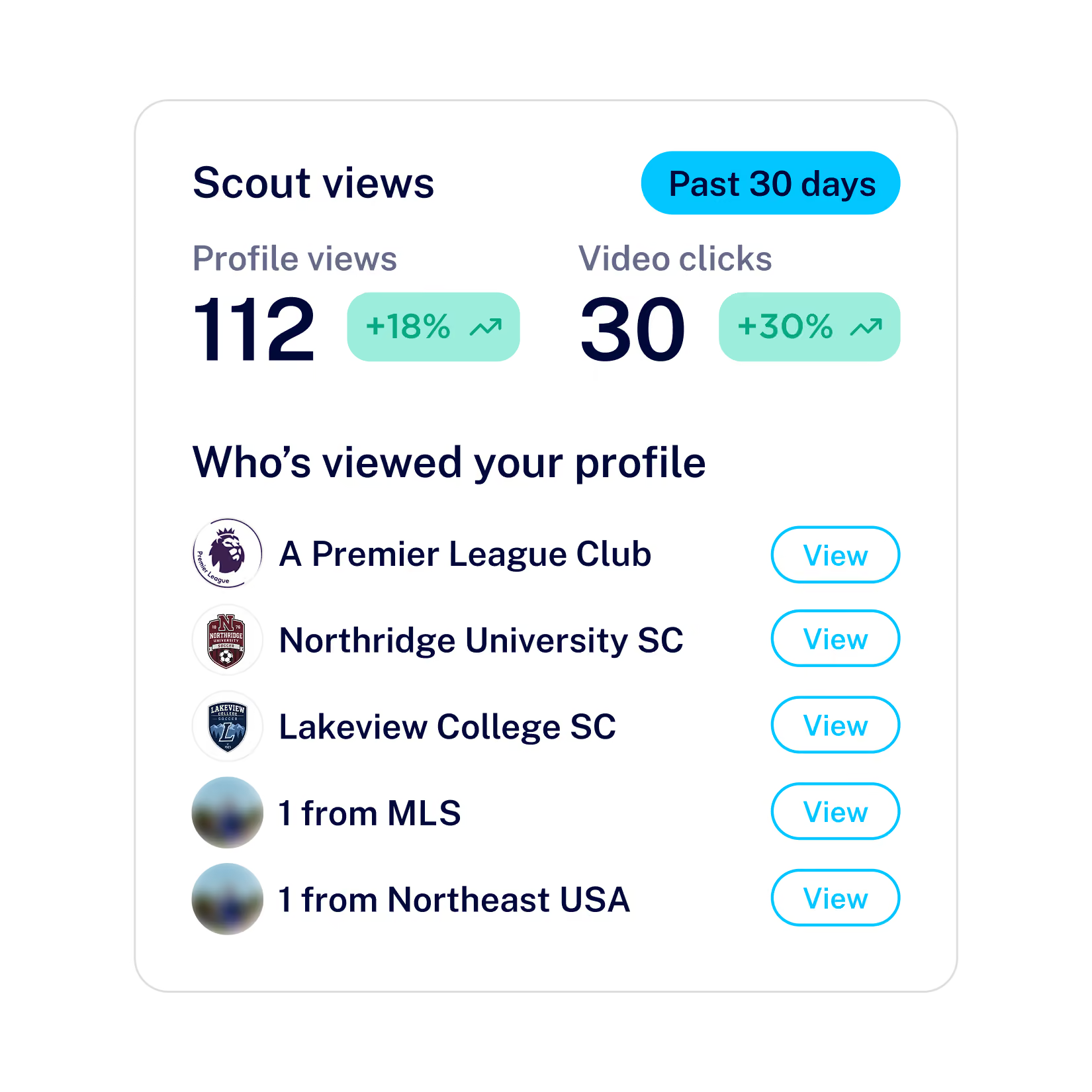
Be Visible to Scouts & Colleges
Turn your reels, stats and clips into a football CV visible to scouts and colleges.
Question & Answers
No. Eyeball is built for youth football at every level, from grassroots clubs to elite academies.
To see your games and stats, your team needs to be on Eyeball. Getting started is free for clubs, and there's an option for every club's budget. If your team isn't on Eyeball yet, ask your coach to take a look.
Yes, the Eyeball app is free to use. You can watch your team's uploaded games, create clips, save them to collections and use the Locker Room at no cost.
Some extras are paid:
- Match stats and events: unlocked when your team buys analysis for a game, or when you unlock it for your own account.
- AI Mentor & Eyelights: personal subscriptions, with free trials to showcase the function before purchase.
Once your team uploads a match, it appears in the Games tab of the Eyeball app. To create highlights:
- Open a game.
- Use the clip tool on the game page to cut out the moments you want.
- Save your clips to a collection to group your best moments from different games.
If the game has been analysed, you can clip individual events, such as a shot or a take-on. Each collection can be made public or private.
Stats and events only appear once a game has been analysed. Until then, you can still watch the full match video of your team's uploaded games.
Analysis is bought by a member of your team, and is usually ready within 48 hours of the match.
Yes. Your player profile fills in automatically as your games are analysed. The more analysed games you have, the clearer the picture of your football career.
To create your Player Card:
- Go to your Profile and select your Player Card.
- Choose a background and the timeframe you want to show.
- Pick up to 6 stats that tell the story of your game, then save.
To share your best moments, save your clips to a public collection.
Eyeball shows how you're developing from game to game, and what to work on next.
- Your profile: your stats update after every analysed game.
- Coach feedback: your coach can send clips, comments, ratings and badges to your Locker Room.
Yes. Parents can link to your account to follow your games, progress and feedback throughout your career.
They can also follow your conversations in the Locker Room, so they're always kept in the loop.
Eyeball can put your games and data in front of scouts, if your team has Scout Visibility. Scouts from elite clubs and agencies around the world use the Eyeball Scout platform to find players.
Scout Visibility is set up by your team, so speak to your coach to find out if your team has it. Until then, every analysed game adds to your profile, so it's ready when scouts look.